

Setting Up Webhooks
To set up a webhook, go to the Webhook section in the Settings page. Enter the URL of the endpoint you want to send the webhook to and click Submit.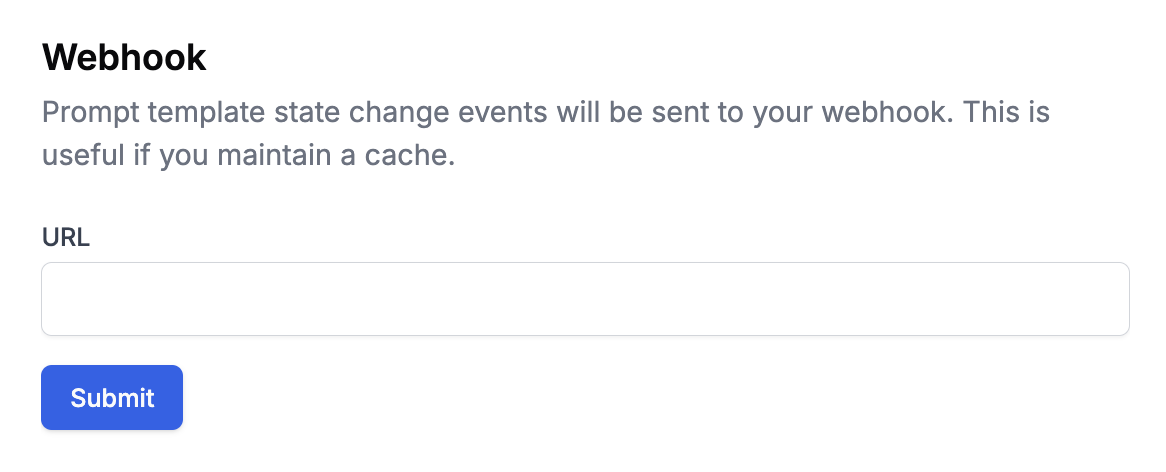
Event Payload Format
When an event occurs, we send a POST request with a payload in this structure:Supported Event Types
| Event Type | Description | Details |
|---|---|---|
prompt_template_version_created | When a new version of a prompt template is created. |
|
prompt_template_name_changed | When a prompt template’s name is changed. |
|
prompt_template_deleted | When a prompt template is deleted. |
|
prompt_template_label_created | When a new release label for a prompt template is created. |
|
prompt_template_label_deleted | When a release label for a prompt template is deleted. |
|
prompt_template_label_moved | When a release label is moved between prompt template versions. |
|
prompt_template_updated | When a snippet imported in a prompt template is updated. |
|
agent_run_finished | When an agent (workflow) run is completed. Note: This event may fire multiple times for the same execution and is not triggered for runs from the dashboard, only when called via SDK or API. |
|
report_finished | When a evaluation report is completed. |
|
dataset_version_created_by_file | When a dataset version is successfully created from a file upload. |
|
dataset_version_created_by_file_failed | When dataset file processing fails. |
|
dataset_version_created_from_filter_params | When a dataset version is created from filter parameters. |
|
Example Payload
Securing Your Webhook
When you create a webhook, you’ll receive a webhook secret signature that looks like this: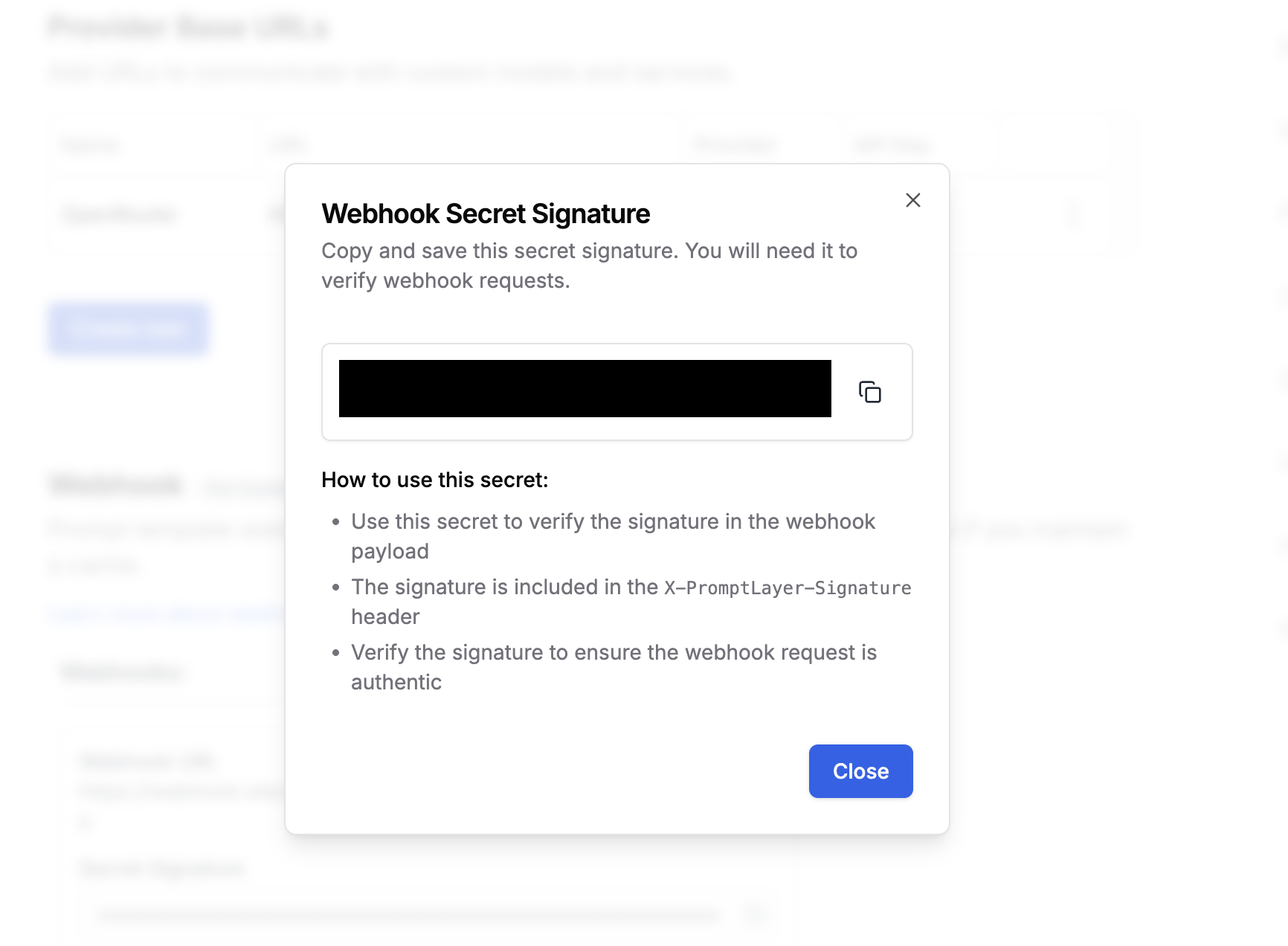
X-PromptLayer-Signature header of each webhook request.
Verifying Webhook Signatures
Here are code examples showing how to verify the signatures:Using Webhooks for Caching
Webhooks are particularly useful for maintaining a local cache of prompts, eliminating the need for extra round-trips to PromptLayer. Here’s how it works:Implementation Example
- Handle webhook events:
- Serve traffic from cache:
Tip: Most teams push the track_to_promptlayer onto a Redis or SQS queue so as to not block on the logging of a request.